 PARRINGJoin Xparring ↗
Train striking.
Phone down.
Audio-guided Boxing, Muay Thai and Kickboxing sessions that call every combination at your pace.
BUILT FOR IPHONE & ANDROID
See how it works →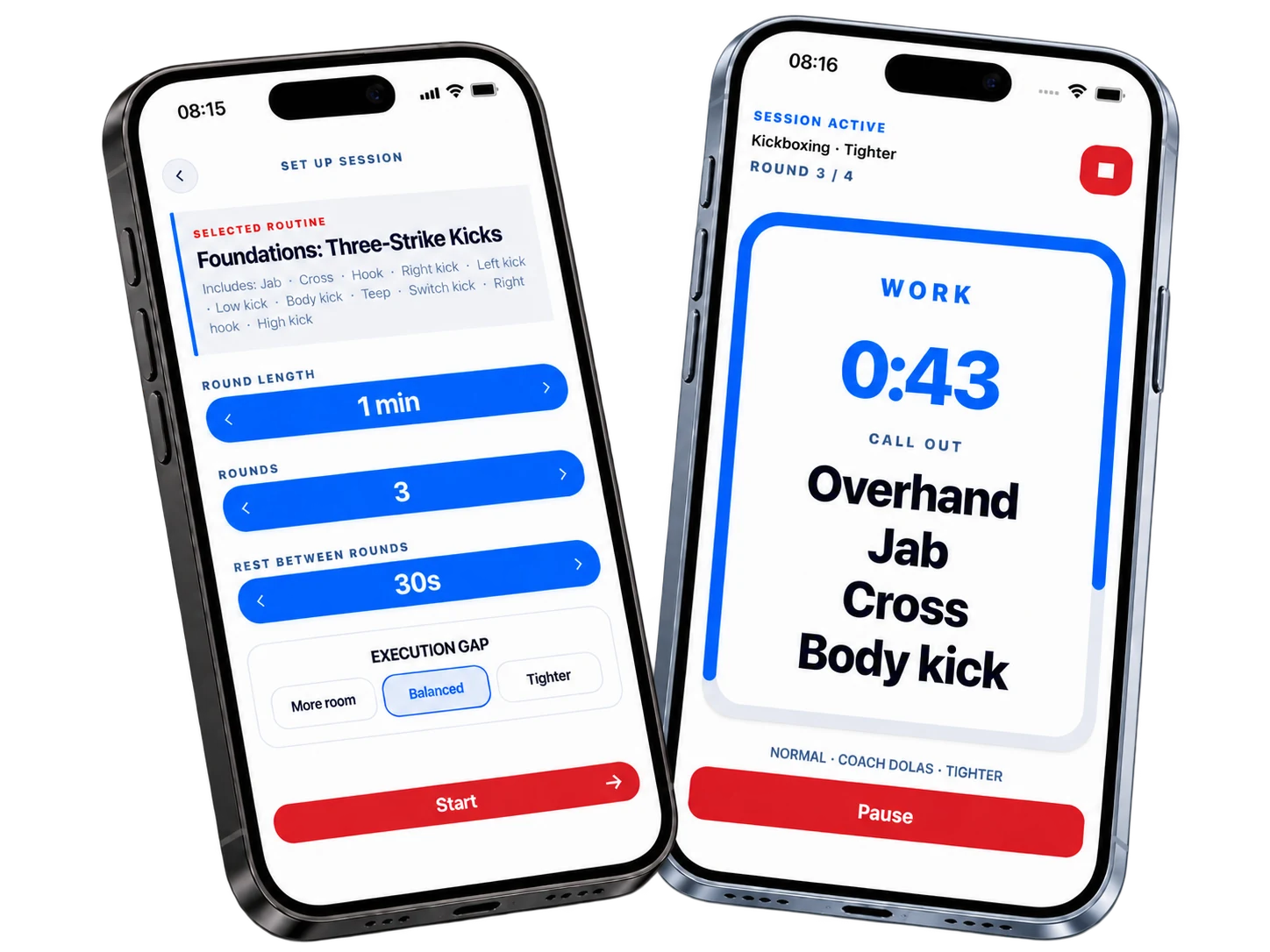
Set the session
you need today
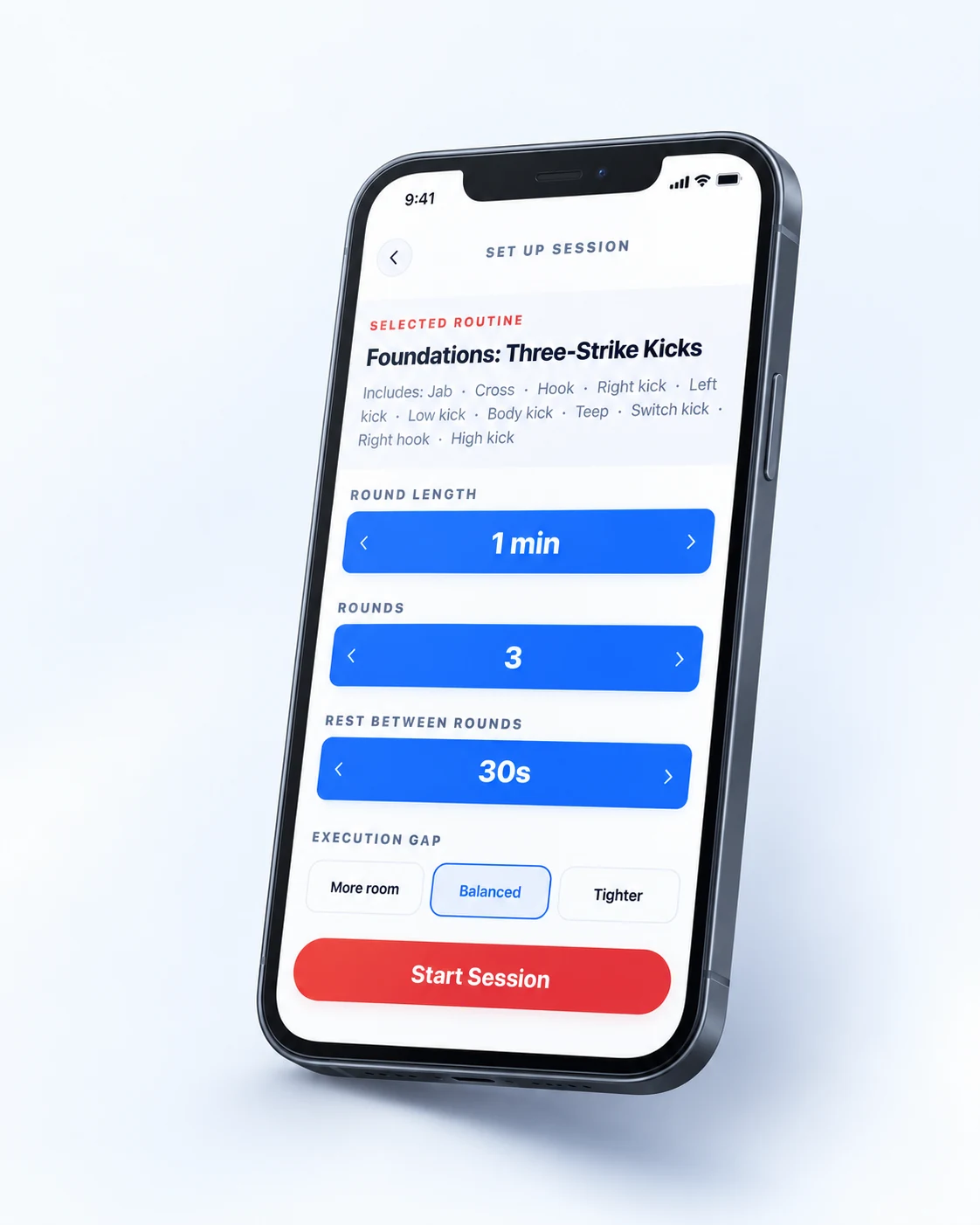
Choose your sport, routine, round length, rest and execution gap. Xparring gives you the structure, while you stay in control of the work.
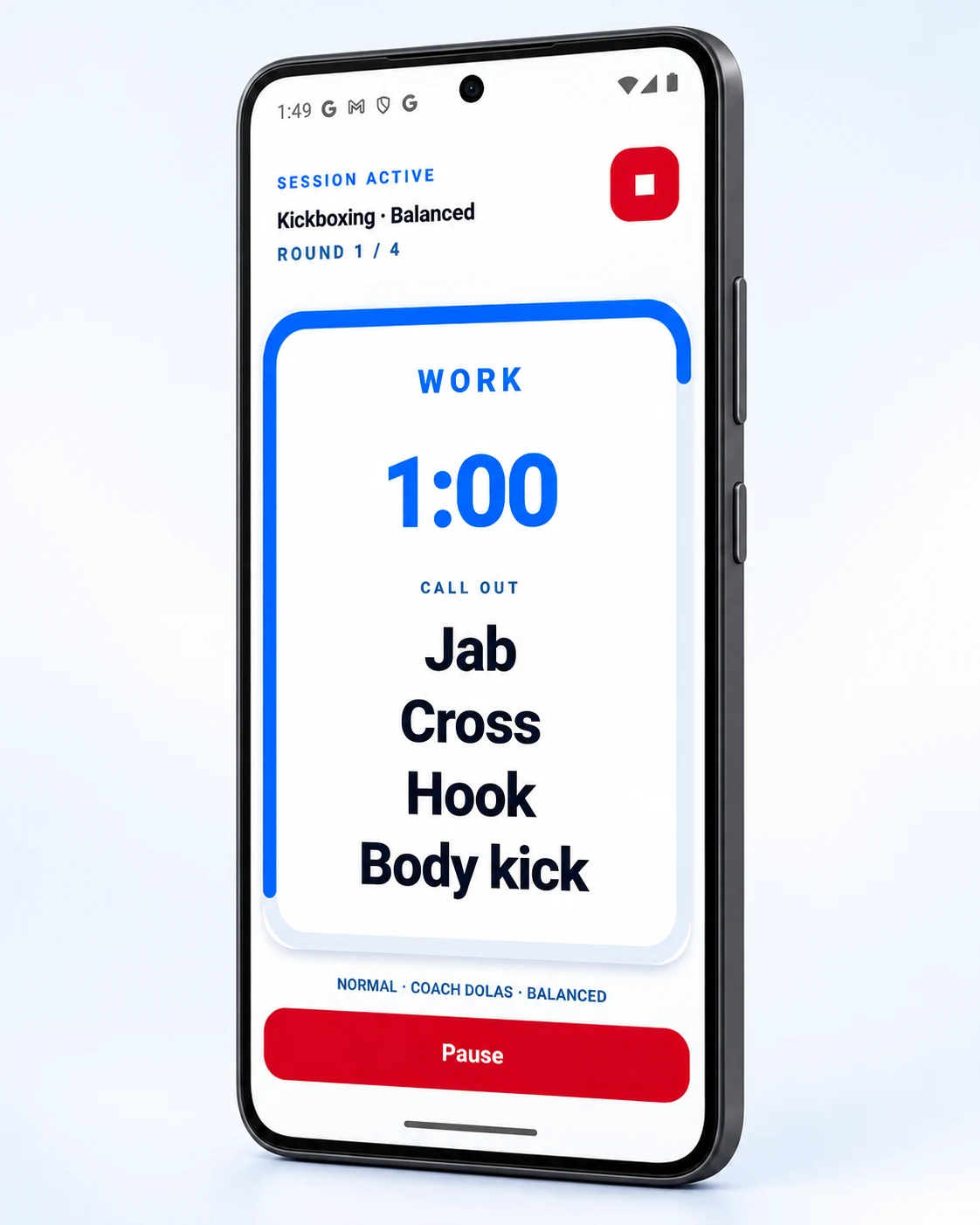
Short combinations keep the round moving. Longer sequences get more execution time.
Conditioning without
another timer
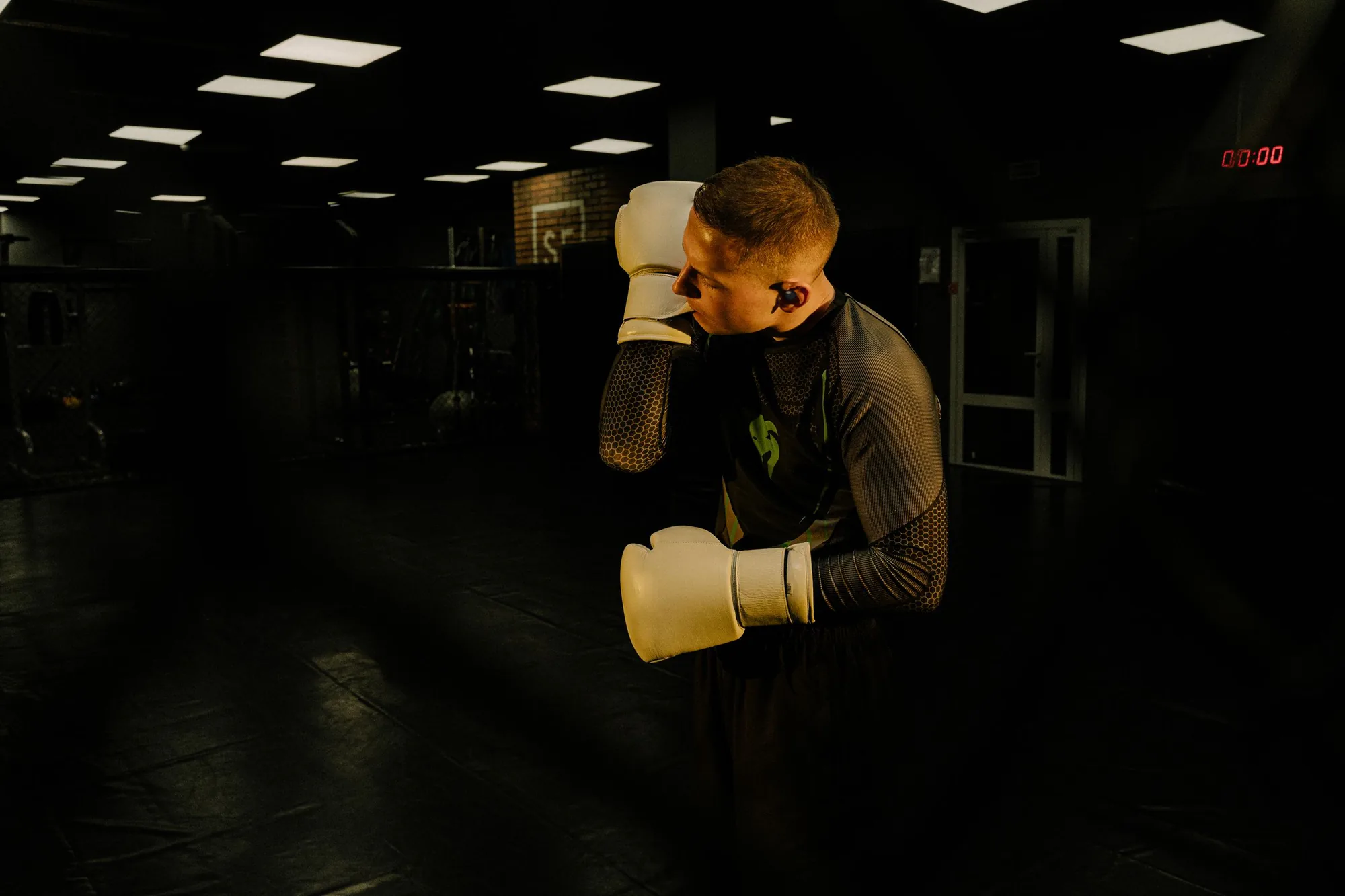
Run your preparation, work and rest blocks in one place. Choose repetitions and customise the sounds that start and end each work period.

Share the round
Give one earbud to your training partner, put the phone down and work through the calls together. One holds the pads. One throws. Both stay on the same beat.
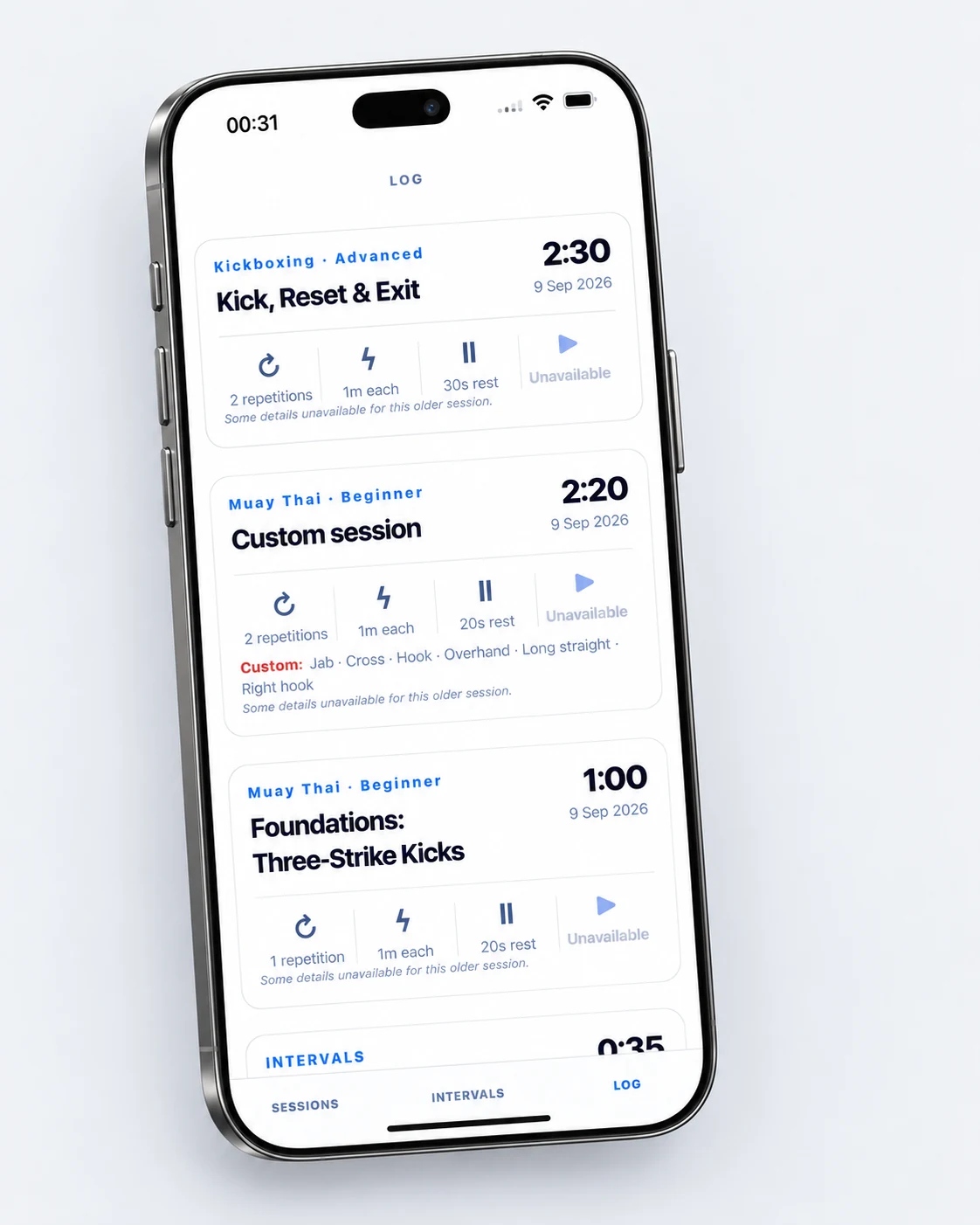
Your training
doesn't disappear
Every completed session is saved with the sport, routine, duration, rounds, execution gap, voice and speed you used. Reopen a past session and run it again when you're ready.
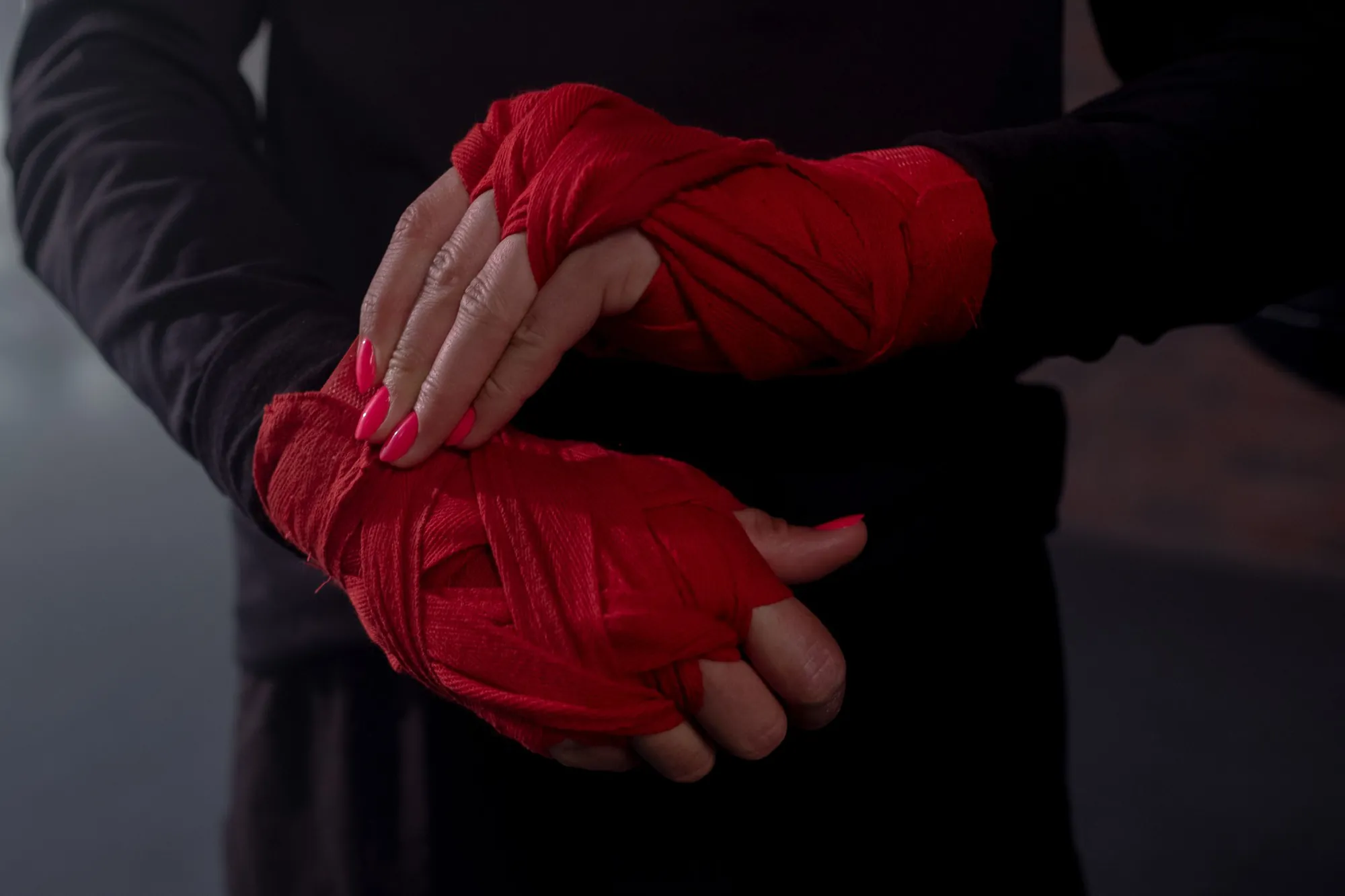
Set it up
your way
Choose your sport, start from a routine or build your own technique pool, then set rounds, recovery, execution gap, coach voice, sounds and pace. Your setup stays ready for the next session.
See how it works →